
01
Farmers
Learn, plan the land and keep a useful record of the farm’s work.
Imbewu Yoshintso NPC · A product by Rory Clark
I’m building ImbewuField from years of designing gardens, training growers and supporting programme teams. This pilot-stage product connects farm planning, learning and records, with selected workflows available offline.
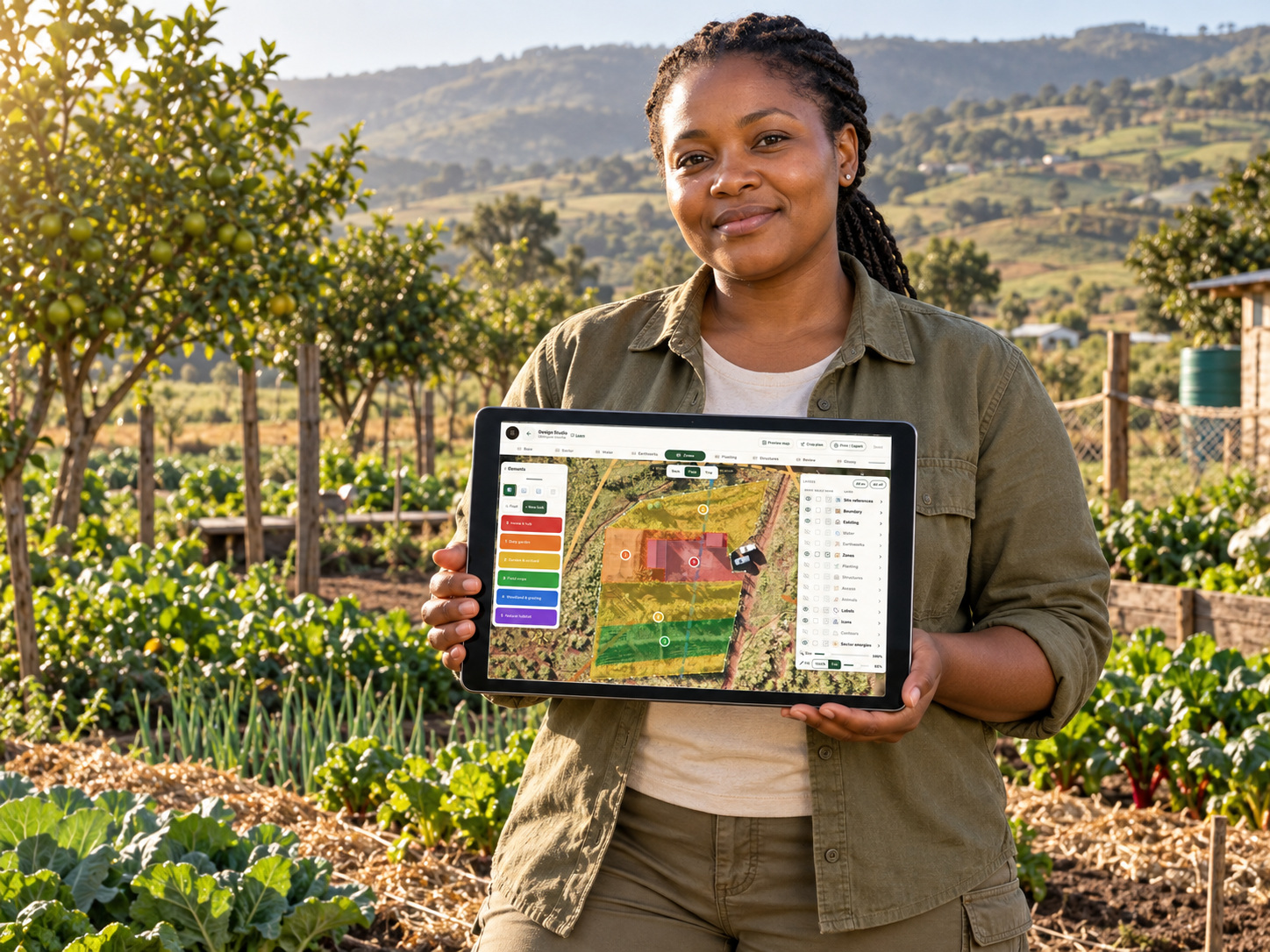
The design challenge
The product brings four roles into one workflow. Farmers need useful daily tools; mentors need a basis for follow-up; organisations and funders need records they can interpret. Farm planning, learning, records and programme support form the main workflows.
Learn, plan the land and keep a useful record of the farm’s work.
Guide a group, set learning tasks and follow up with each grower.
Coordinate delivery, assessments and programme reporting.
Follow shared progress and the evidence behind the programme.
01 / Plan the land
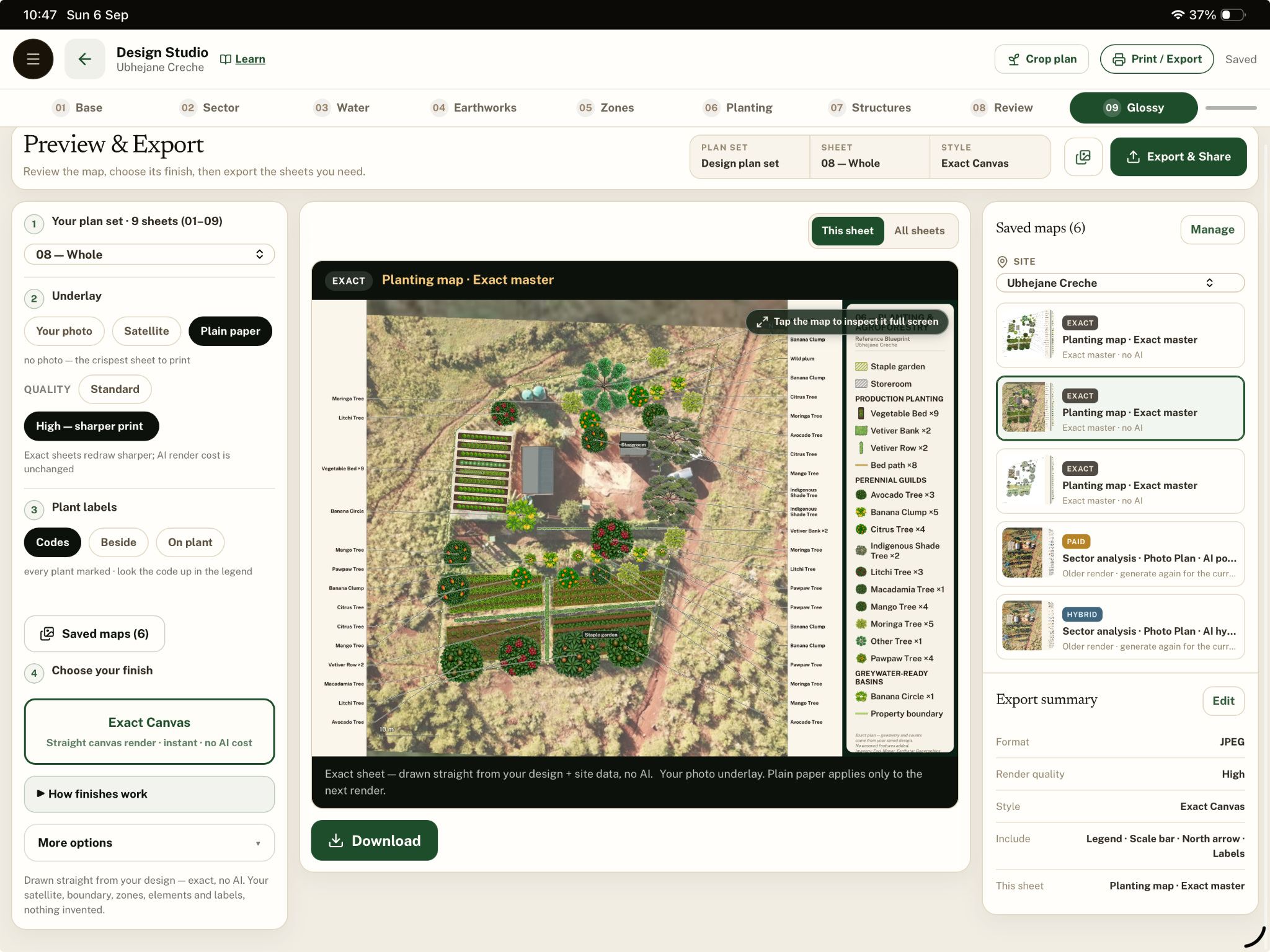
Bring beds, trees, water, paths and zones into one site design. Save the map, print it for a training session, and turn the beds into a seasonal crop plan.
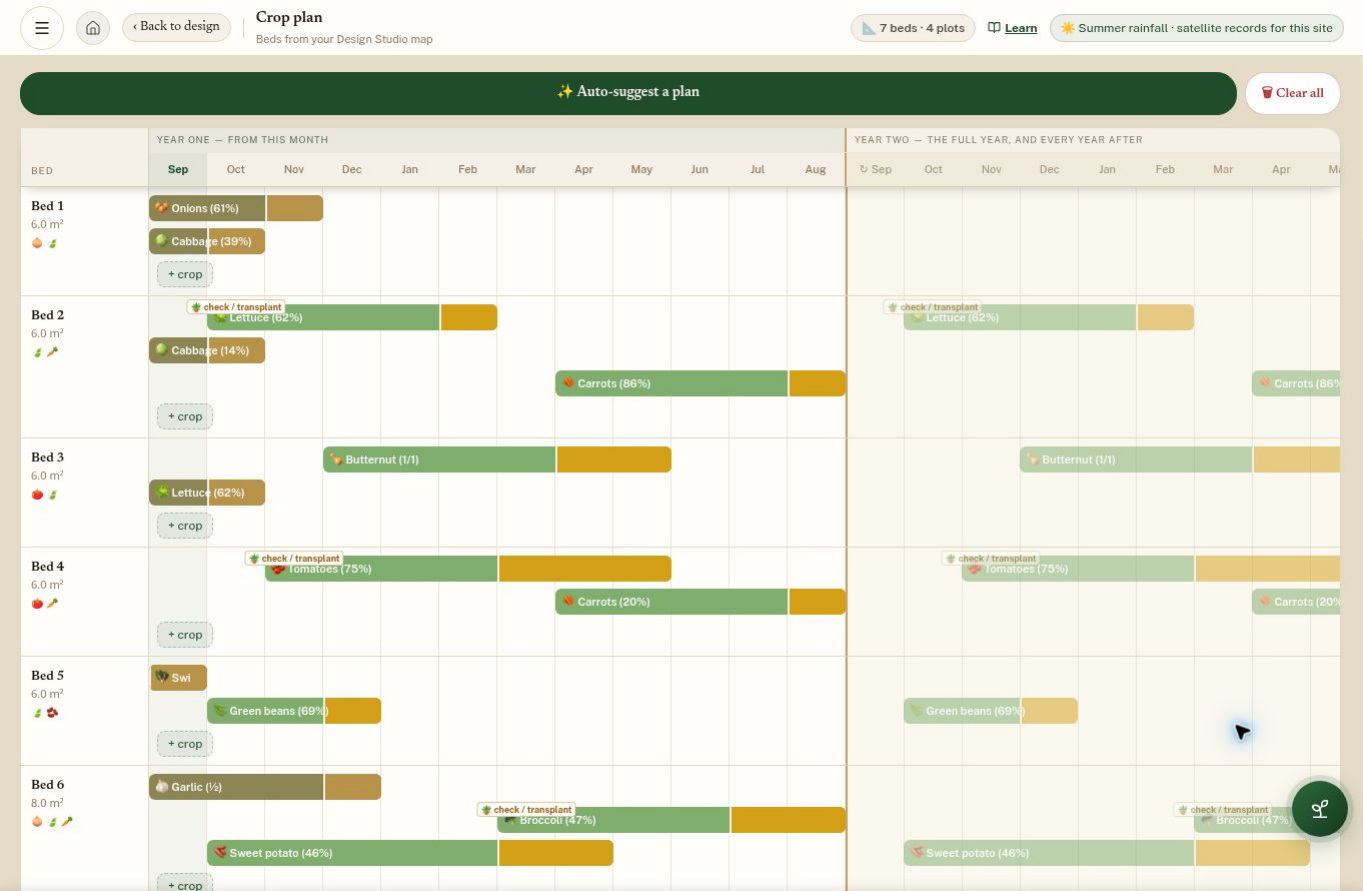
From the map to the season
See sowing and harvest periods by bed and month. Use the crop plan to discuss the next planting, then return to it during follow-up visits.
Site reports bring modelled climate, soil and rainfall information into the conversation about what the ground can grow.
02 / Learn & ask
Work through illustrated lessons, listen to audio and follow your progress in My Studies. Bring a question from the garden to Lima, the app’s AI assistant, with a photo of what you have noticed.
A mentor can assign the next module and use the next visit to help turn the learning into practice.
Explore the learning tools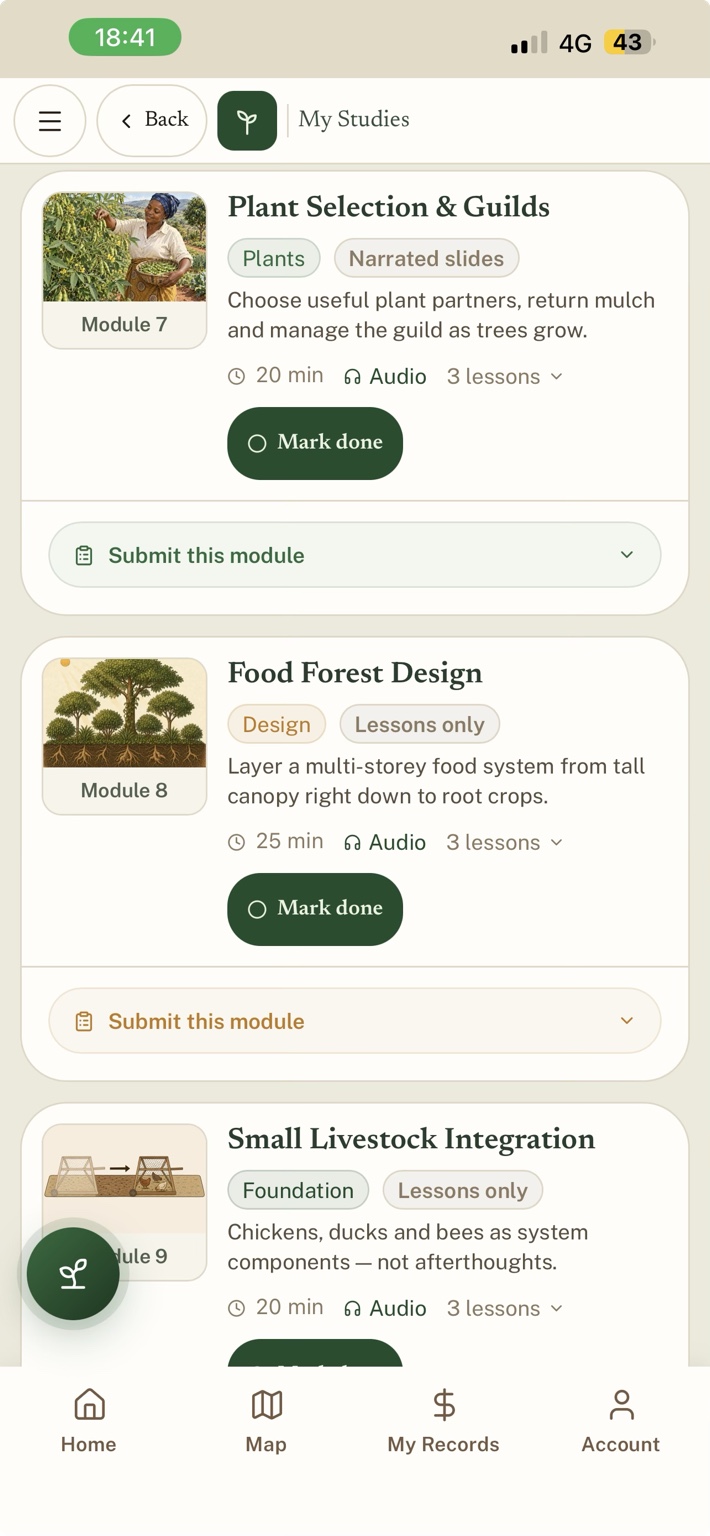 My Studies
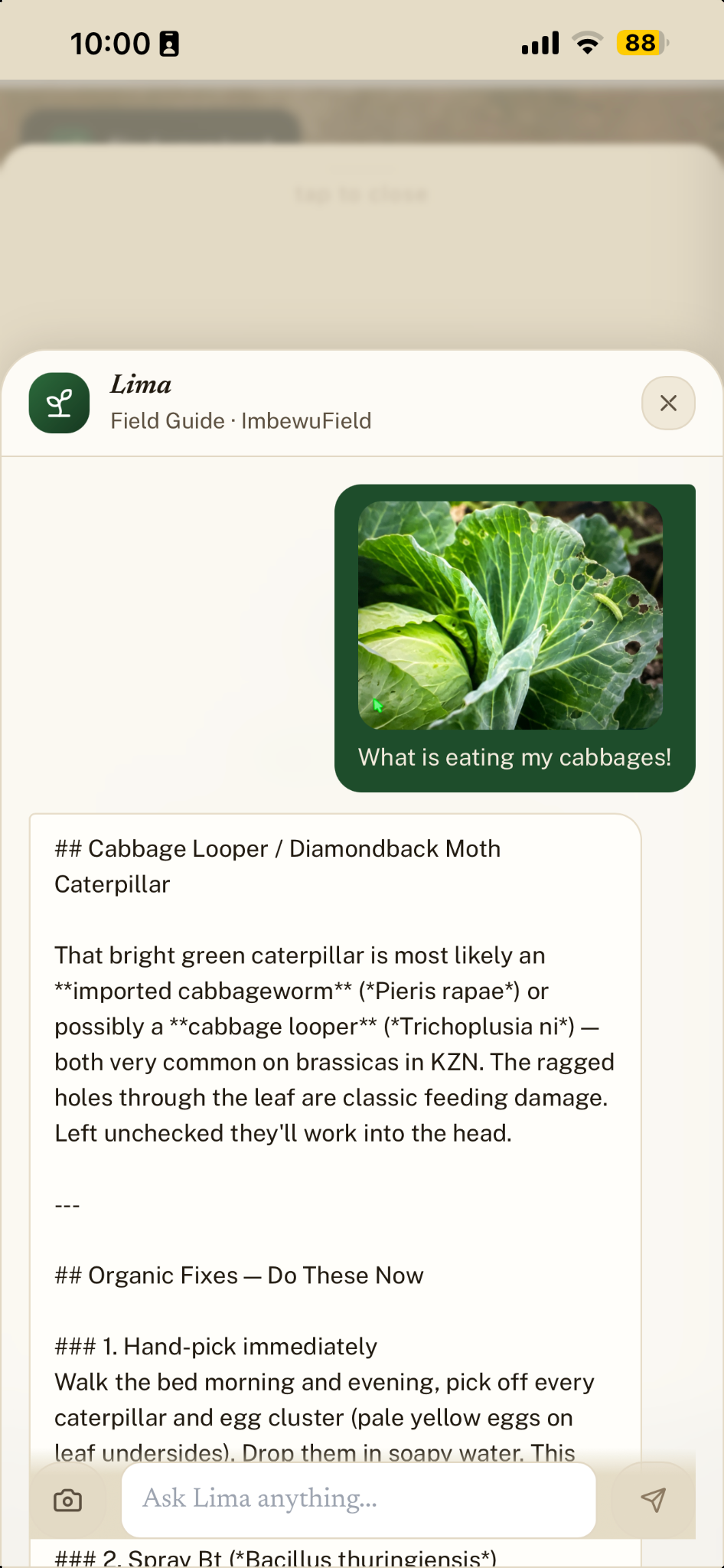 Ask Lima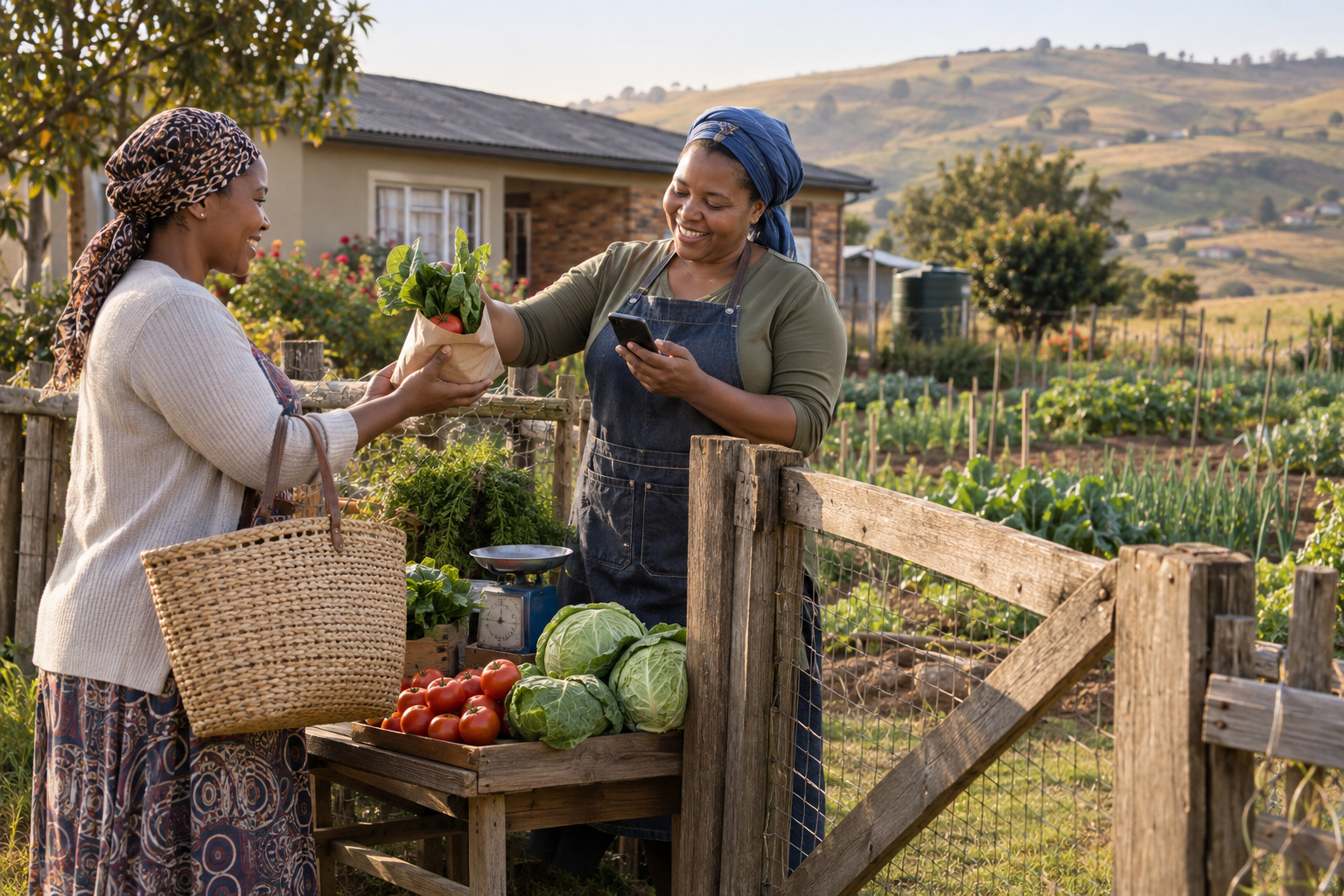
03 / Record the work
Keep harvests, sales and costs close to the work. Create an invoice, share it through WhatsApp or print it, then keep the payment status with the sale.
04 / Support the programme
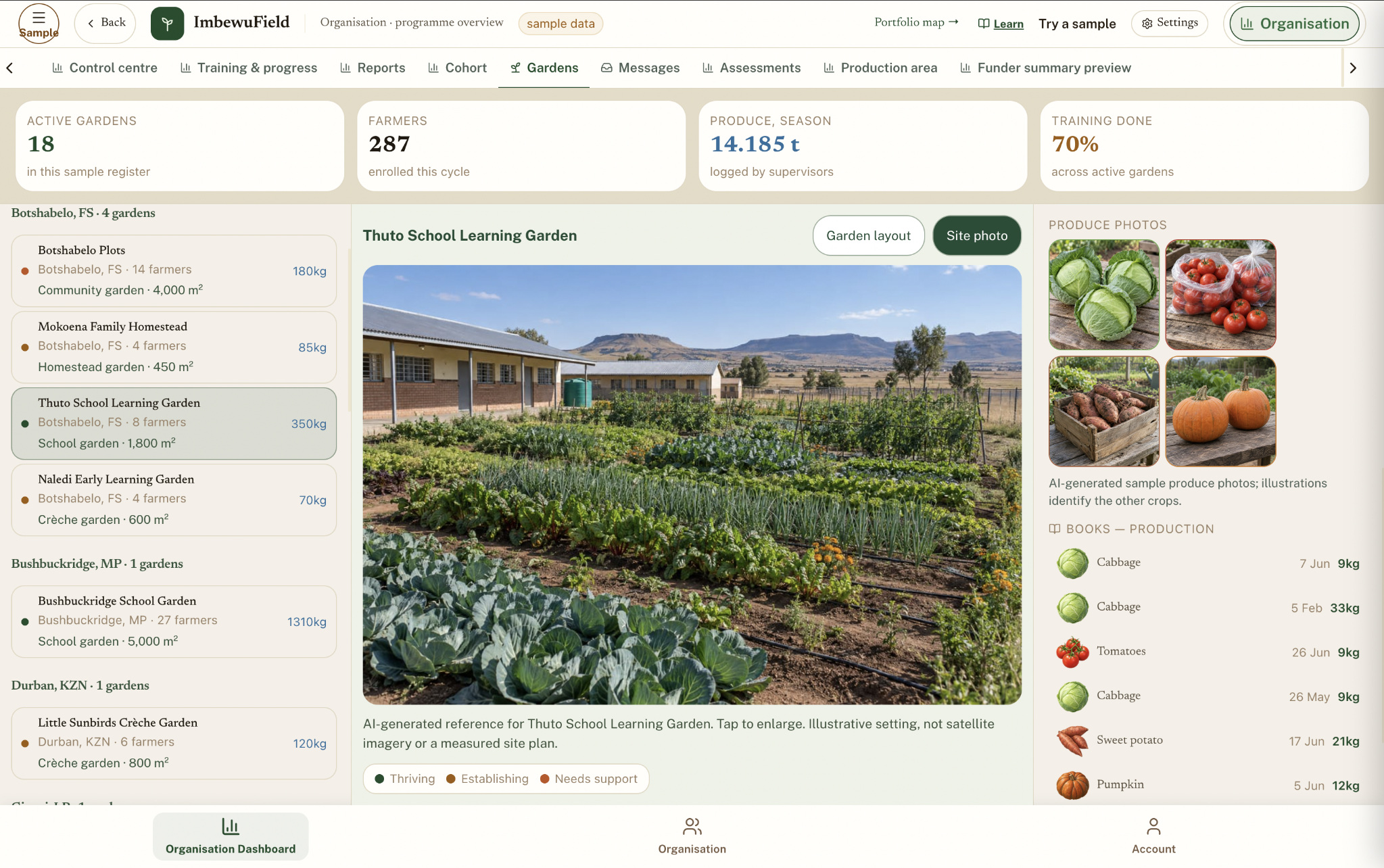
Open a garden record to see the people, production and learning behind it. Mentors keep follow-up focused; organisations coordinate delivery; funders review the progress and findings shared with them.
Agree starting conditions, priorities and milestone targets.
Review training, farm records and dated progress through the season.
Use midpoint and closeout assessments to agree the next action.
The September overview distinguishes working tools from planned additions, including formal indicator registers, advanced evaluation tools and automated data-quality review.
Built from field experience
I’m building ImbewuField from the practical work of designing gardens, teaching growers and supporting field teams across Southern Africa.
The app sits alongside training, mentorship and a regular habit of keeping useful records. Programme setup, onboarding and support are shaped with the team using it.
Explore the fieldwork behind it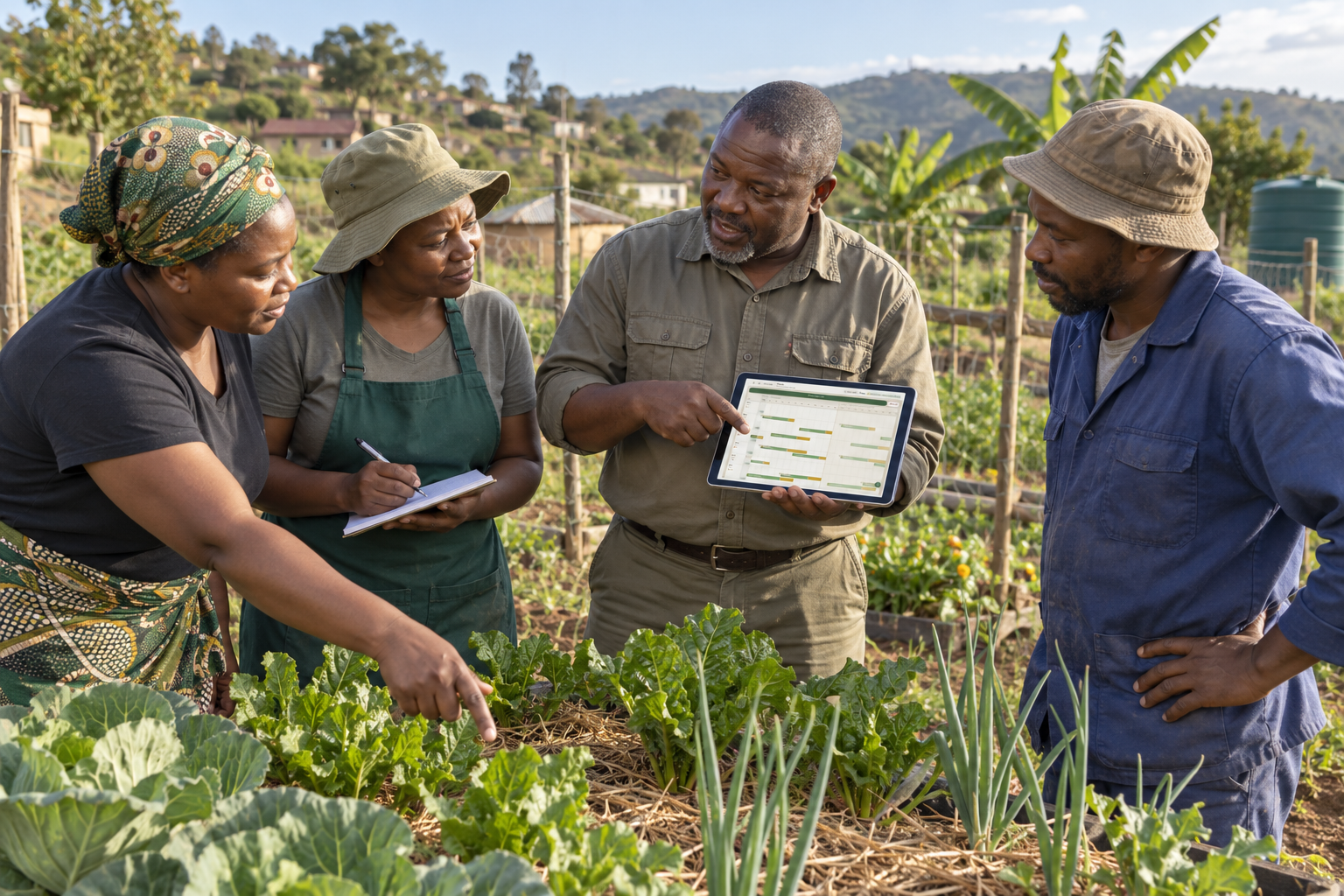
Read it. Share it.
The illustrated resource guide explains the app and programme. At the end you’ll find the full concept note, the one-page WhatsApp pamphlet and practical installation guidance.
Read the illustrated guideExplore ImbewuField
Start with the guided tour, then let’s talk about your growers, your team and the support you need.